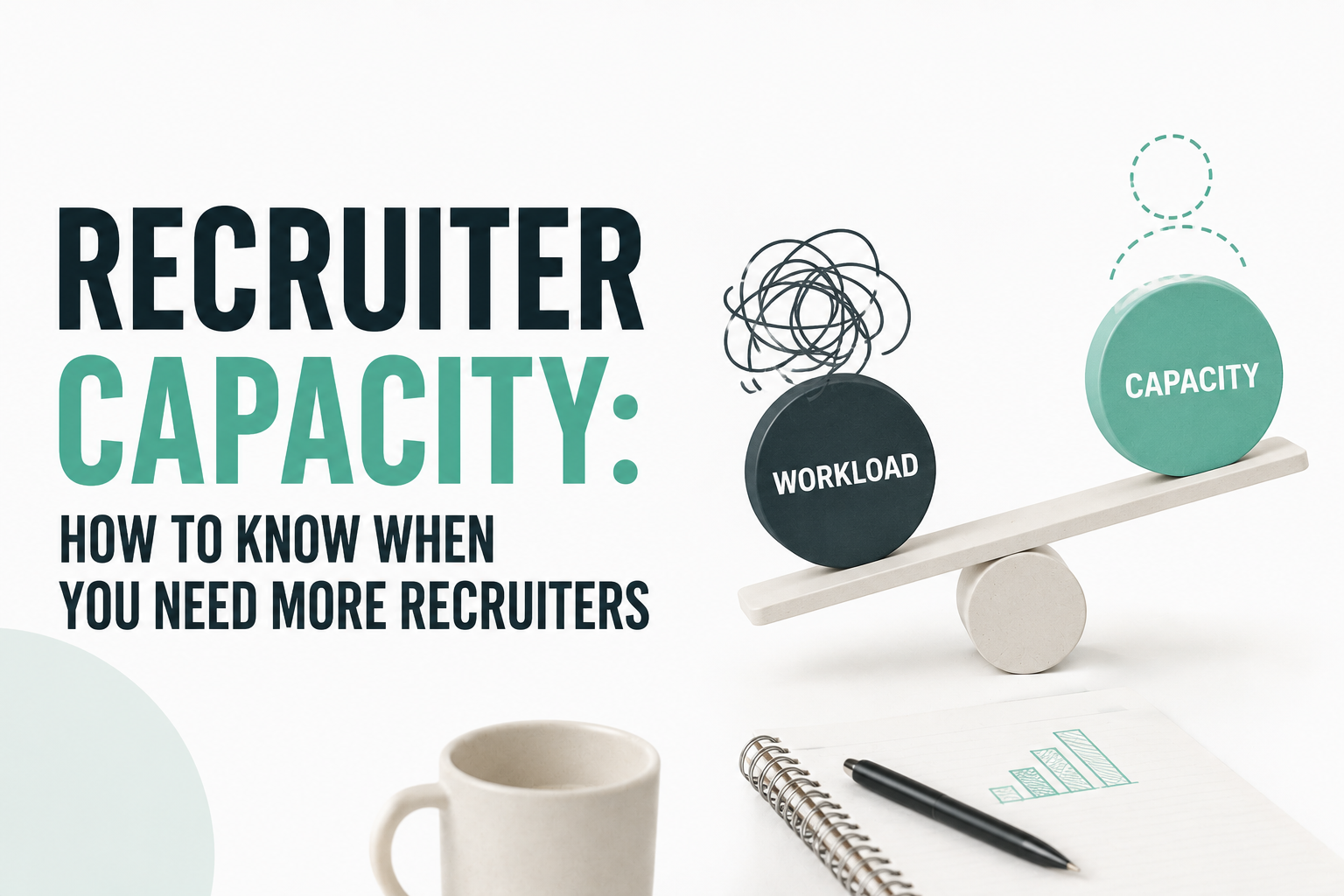
A company expects 100 hires next quarter. The recruiting team says they need two more recruiters to hit that number. Finance asks a reasonable question: how do you know? Not "how do you feel," but how do you know, with something more concrete than a headcount request built on gut instinct.
That question is harder to answer than it sounds, because recruiters can look overloaded for a lot of reasons that have nothing to do with genuine understaffing — too many requisitions stacked on one person, a handful of unusually difficult searches, a spike in applicant volume, a workflow with too many manual steps, hiring managers who take a week to give feedback, or administrative work eating into the hours that should go to candidates.
Headcount should be the conclusion of a capacity analysis, not the starting assumption. This article walks through how to actually measure the work, where the gap comes from when there is one, and when adding a recruiter is the right answer versus fixing something else entirely.
What Capacity Actually Means for a Recruiter
It is the amount of recruiting work a recruiter or team can sustainably handle during a defined period without unacceptable deterioration in speed, quality, delivery, or candidate and client experience. It is not simply the number of open requisitions assigned to someone — two recruiters with the same number of open roles can be carrying very different amounts of actual work.
A recruiter with 15 standardized, high-volume roles and a recruiter with 8 specialized technical searches might both show "reasonable" req counts on a dashboard, while one of them is stretched thin and the other has room to spare. Any useful measure of recruiting capacity has to account for that difference rather than treating every requisition as an identical unit.
Why Open Requisitions Are a Poor Capacity Metric
Picture three recruiters on the same team. Recruiter A has 15 standard roles. Recruiter B has 8 specialized technical roles. Recruiter C has 10 executive searches. A simple req count would suggest Recruiter A is the most loaded and Recruiter B has plenty of room. In practice, it's just as likely the opposite is true.
What a req count misses: sourcing intensity, applicant volume, role scarcity, the number of stakeholders involved in each decision, interview complexity, how responsive hiring managers actually are, the amount of candidate communication a search demands, geographic complexity, compliance requirements, and the administrative load that comes with each type of search. A requisition is not a unit of work — it's a container for a widely variable amount of work.
The Four Inputs That Determine Recruiting Capacity
Four inputs drive how much pressure a recruiting team is actually under: demand (how much hiring is expected), effort (how much work each search requires), available capacity (how many effective recruiting hours exist), and productivity or process (how efficiently that capacity converts into results).
This is a Ninjahire planning framework, not an established industry-standard formula. It's a way of making an intuitive feeling — "the team feels stretched" — into something you can actually break down and discuss. Rising capacity pressure can come from more demand, harder roles, less available capacity, or a less efficient process. Knowing which one is driving the number changes what you do about it.
Calculate Effective Recruiting Capacity
Forty scheduled hours a week is never forty hours of recruiting. Once you subtract PTO, internal meetings, training, projects unrelated to active searches, administrative work, and coordination overhead, what's left is available recruiting hours — and even that number isn't fully consumed by focused search work, because no team runs at 100% utilization. There's no universal utilization percentage to plug in here. Realistic utilization should come from your own team's historical data, not a number borrowed from an unrelated source.
How to Calculate Recruiter Capacity: A 7-Step Method
- Calculate available recruiter hours. Start from gross hours and subtract everything that isn't active recruiting work.
- Calculate average effort per requisition. Use historical data on how long searches in each category typically take.
- Weight requisitions by complexity. Not every role deserves the same weight — see the weighted load model below.
- Calculate total current workload. Sum the weighted load across every active requisition on the team.
- Compare workload against available capacity. This shows where the team stands today.
- Add forecasted hiring demand. Layer in what's expected to open over the coming period.
- Calculate the resulting capacity gap. The difference between what's coming and what the team can absorb.
Worked example: a team has 320 effective recruiting hours available this month. Current weighted workload comes out to 280 hours. Forecasted new demand adds another 90 hours. Total demand is 370 hours against 320 available — a 50-hour shortfall worth investigating before anyone requisitions a new headcount line.
Weighted Requisition Load
Ten open requisitions are not necessarily ten equal units of work. An illustrative planning model — not a universal benchmark — assigns relative weights by complexity:
| Role Type | Illustrative Weight |
|---|---|
| Standard / high-volume | 1.0 |
| Moderate complexity | 1.5 |
| Specialized | 2.0 |
| Hard-to-fill / niche | 2.5 |
| Executive / highly complex | 3.0 |
Ninjahire planning example: 5 standard roles + 3 moderate roles + 2 specialized roles = (5 × 1.0) + (3 × 1.5) + (2 × 2.0) = 5 + 4.5 + 4 = 13.5 weighted capacity units. That number tells you more than "10 open requisitions" does, because it reflects the actual mix of difficulty behind the count. Organizations should customize these weights using their own historical throughput data rather than adopting the illustrative numbers as fixed rules.
What Should Count as Recruiting Work?
Capacity models often undercount the work by focusing only on "sourcing" and missing everything else that happens between a requisition opening and a placement closing: intake, sourcing, screening, outreach, candidate qualification, submission, interview coordination, hiring-manager communication, feedback collection, offer management, candidate closing, ATS administration, and reporting. Any capacity calculation that ignores these steps will understate the real workload, sometimes significantly.
Recruiter Capacity Planning Template
A simple weekly review table makes workload visible across a team instead of living in any one recruiter's head.
| Recruiter | Active Reqs | Complexity Mix | Weighted Load | Available Hours | Utilization | Capacity Status |
|---|---|---|---|---|---|---|
| Recruiter A | 15 | Mostly standard | 16.0 | 32 | ~100% | At capacity |
| Recruiter B | 8 | Mostly specialized | 16.5 | 30 | ~110% | Overloaded |
| Recruiter C | 10 | Executive-heavy | 27.0 | 28 | ~130% | Overloaded |
Numbers here are illustrative examples, not a benchmark to copy. Reviewed weekly, a table like this surfaces exactly what a req count alone hides — Recruiter B and Recruiter C both look "reasonable" on paper with fewer open roles than Recruiter A, but their weighted load tells a different story.
How to Forecast Future Recruiting Capacity
Forecasting brings together current capacity, expected hires, expected new requisitions, anticipated role complexity, historical throughput, and expected attrition or backfill needs. Building three simple scenarios makes the forecast usable for planning conversations:
Base: hiring continues at the current pace and mix. Growth: hiring demand increases moderately, with a similar complexity mix. High Demand: hiring accelerates and complexity rises, such as a push into specialized or senior roles.
Running the capacity math against all three scenarios gives leadership a range to plan around instead of a single guess, which makes headcount conversations with finance considerably more concrete.
How to Know When You Actually Need More Recruiters
- Demand consistently exceeds available capacity across multiple review periods, not just one busy week.
- High-complexity roles keep accumulating rather than getting resolved at a normal pace.
- Time-to-fill is deteriorating even though process performance has stayed stable.
- Recruiters consistently exceed the team's own defined sustainable workload.
- Work is visibly being deferred because there isn't enough bandwidth to get to it.
- Candidate experience is suffering because response times are slipping.
- Hiring targets still can't be met after workflow inefficiencies have already been addressed.
When You Don't Need Another Recruiter
This is the section worth reading twice. A lot of apparent capacity problems are actually workflow inefficiency, poor intake that sends recruiters chasing unclear requirements, duplicate data entry, manual sourcing that automation could speed up, manual screening, scheduling overhead, hiring-manager delays that stall otherwise healthy pipelines, too many low-priority requisitions competing for the same attention, poor role prioritization, or fragmented recruiting technology that adds coordination work without adding output.
Before adding headcount, it's worth determining whether the team actually has a people problem, a workload problem, or a workflow problem — because hiring another recruiter doesn't fix the latter two, and can even make coordination overhead worse in the short term.
Recruiting Capacity vs Productivity
These terms get used interchangeably, but they answer different questions. Capacity is how much work the team can sustainably absorb. Productivity is how much useful recruiting output that capacity actually produces. Utilization is how much of the available capacity is currently being used. Workload is how much work is currently assigned, independent of whether that amount is sustainable.
A team can have plenty of capacity and still show weak productivity if the process is inefficient. A team can have strong productivity per hour and still be short on capacity if demand has simply outgrown what exists. Conflating these is one of the most common mistakes in headcount conversations.
Recruiting Capacity vs Req Load
Capacity is the sustainable ceiling — how much a recruiter or team can reasonably carry without quality or speed breaking down. Req load is the actual active workload assigned right now, which may sit above, below, or right at that ceiling.
This is a planning diagnostic, not an industry benchmark. A utilization figure well above 100% on a sustained basis is a reasonable early signal to investigate — not proof, on its own, that more headcount is the fix.
The Capacity Gap
Three states are possible. If capacity exceeds demand, the team has available capacity — a surplus. If demand and capacity are roughly matched, the team is balanced. If demand exceeds capacity, the team has a capacity gap. A gap doesn't automatically mean "hire another recruiter" — it means there's something to diagnose before deciding what to do about it.
The Three Reasons Behind a Capacity Gap
1. Demand problem
There's simply too much hiring demand relative to any reasonable team size — growth, a new business line, or a hiring surge has outpaced what any realistic team could absorb.
2. Capacity problem
The team doesn't have enough recruiter bandwidth for the demand it's carrying, even after accounting for a reasonably efficient process.
3. Efficiency problem
Existing capacity is being consumed by avoidable work — manual admin, disconnected systems, unnecessary coordination — rather than a genuine shortage of people.
Not every capacity gap requires a new recruiter. That's one of the most important things to get right in this analysis, because hiring into an efficiency problem usually just adds another person operating inside the same broken workflow.
How Automation Can Change Recruiting Capacity
Realistic automation opportunities include sourcing support, candidate rediscovery, resume parsing, candidate matching, outreach, follow-ups, screening assistance, scheduling, status updates, and reporting. Automation can increase effective capacity by reducing repetitive work that doesn't require judgment — but the actual impact depends heavily on workflow design, process maturity, team adoption, and how well the automation is implemented. There's no reliable basis for claiming a fixed multiplier on how many more requisitions a recruiter can handle as a result.
Before Hiring More Recruiters: Run a 30-Minute Capacity Audit
Recruiter Capacity Planning Calculator
The calculator below runs the effective-capacity and weighted-load math from this article against your own numbers.
Recruiter Capacity Planning Calculator
These results are planning estimates based on the assumptions you entered. They are not a universal staffing benchmark or a guaranteed staffing requirement. Weighted requisition weights use the illustrative Ninjahire model above — adjust them to fit your own historical data before relying on the output.
Should You Hire Another Recruiter? Diagnostic
This second tool points toward whether a capacity gap looks like a genuine staffing shortage, a workflow problem, or some mix of both.
Should You Hire Another Recruiter?
This is a Ninjahire diagnostic framework intended to guide investigation, not a definitive staffing decision.
Capacity Planning Template
For a more complete weekly or monthly review, a template organized into five sections captures the full picture in a format that copies cleanly into a spreadsheet.
| Section | Fields |
|---|---|
| Recruiter Information | Recruiter, Role, Location, Level |
| Current Workload | Active reqs, Weighted load, Interviews, Screens, Sourcing workload |
| Capacity | Weekly hours, Non-recruiting hours, Available recruiting hours, Utilization |
| Demand | Expected new reqs, Expected hires, Priority |
| Risk | Overloaded, Balanced, Underutilized |
| Action | Redistribute, Automate, Prioritize, Add recruiter |
How Often Should Recruiting Capacity Be Reviewed?
Weekly: active load management — catching overload before it becomes a pattern. Monthly: trend analysis — is utilization drifting up or down over time. Quarterly: hiring and headcount planning — the natural cadence for a formal capacity review. Before major hiring ramps: scenario planning — running Base, Growth, and High Demand scenarios before a known surge hits. Capacity should also be revisited any time priorities, staffing, or hiring demand shift meaningfully, rather than waiting for the next scheduled review.
Frequently Asked Questions
What is candidate rediscovery software?
How does candidate rediscovery differ from standard ATS search?
Does candidate rediscovery software automatically update candidate records?
How does rediscovery software prevent duplicate outreach?
Does candidate rediscovery software replace an ATS?
Before You Add Headcount, Measure the Work
If your recruiting team appears overloaded, the first question shouldn't be "how many recruiters should we hire?" It should be "where is our existing recruiting capacity going?"
Headcount is one possible answer to a capacity gap — not automatically the answer. Working through demand, workload, complexity, and effective capacity first turns a headcount request into a case built on evidence instead of a hunch, whether that case is for a new recruiter, a redistributed workload, or a workflow fix.
Related reading: for teams evaluating what's driving workflow friction, see how a staffing agency's workflow and recruiting operations come together, how recruiting systems affect day-to-day recruiter workload, how automation can change effective recruiting capacity, how resume parsing reduces screening workload, and how broader technology decisions affect recruiting capacity over time.
Audit Your Recruiting Capacity
The calculators above are a starting point for sizing the gap, not a final verdict. If the diagnostic points toward workflow friction rather than a genuine shortage, that's worth fixing before any headcount request goes to finance.
Ninjahire is built to reduce the administrative and coordination work that quietly consumes recruiting capacity, so more of a team's effective hours go toward candidates and closing searches.
See Where Your Recruiting Capacity Is Going